
Product Tour
See how the CRM changes with the work.
Choose a role to preview the information, next actions and customer context YesSir CRM is designed to bring together.
Real Estate Agent
Turn leads into active clients without losing the documents.
Work assigned leads and clients, appointments, communications, customer documents and e-signatures from one CRM.
Explore real estate CRM →- Open assigned lead/client
- Review customer history
- Upload or prepare documents
- Send for e-signature
- Track appointment and follow-up
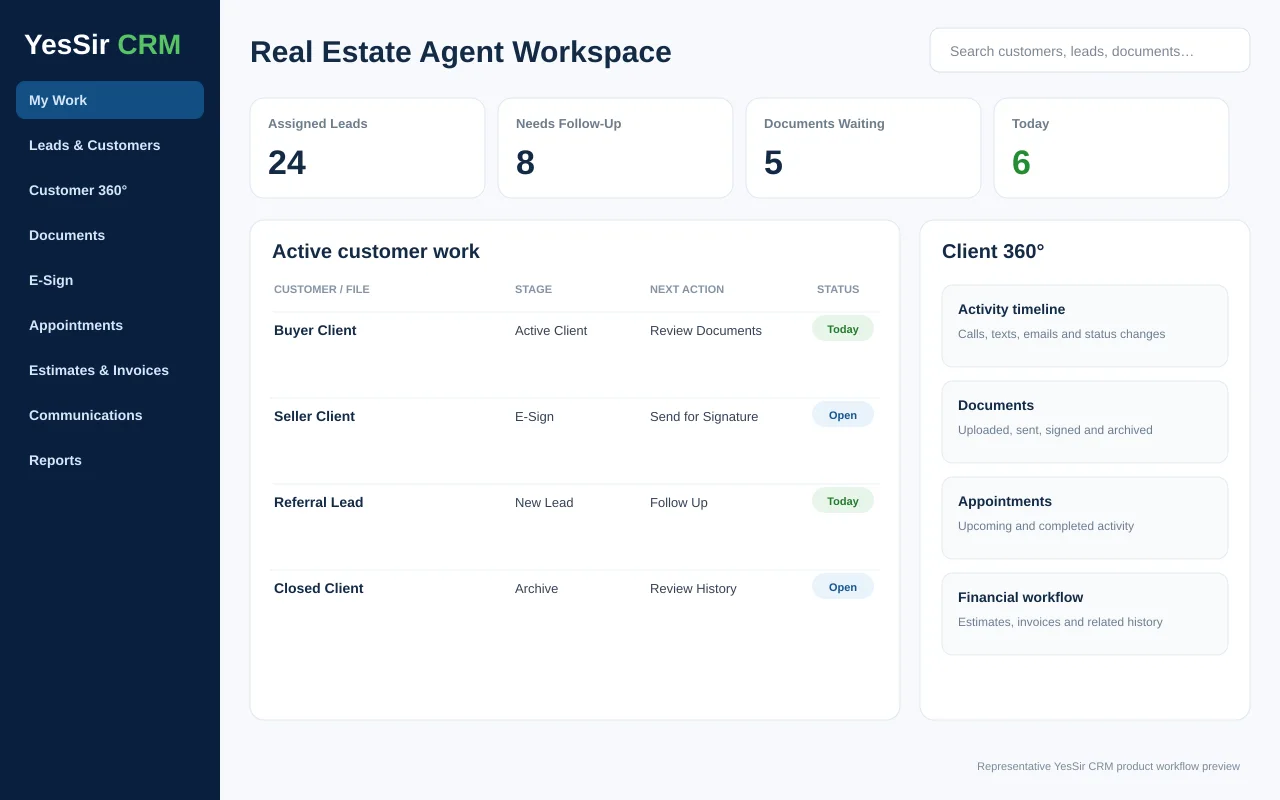
Representative product workflow preview. Actual screens vary by role, enabled modules and configuration.
Follow the customer, not the app.
Lead or borrower enters the CRM.
Give the right user access to the right work.
Communicate, schedule, prepare documents and complete tasks.
Finish signatures, estimates, invoices or file requirements.
Keep the customer relationship and related activity together.
Want to see your actual workflow?
Book a tailored demo and tell us which role, business and process matters most.